
The word mapping borrows its authority from imaging, and the borrowing causes most of the confusion in this category. A map, in the everyday sense, describes a surface — where things are and what shape they take. What a pressure mapping system records is different: it describes how load is distributed across a sensing surface at a moment in time, and how that distribution changes as a person stands or walks. Those are related facts about a foot, and they are not the same fact.
Buyers who expect a surface model and receive a load picture feel short-changed, even when the load picture is the more useful record for their work. Buyers who know what they are buying use it from the first week: to document a baseline, to compare a fitting, to show a customer where weight actually sits. The specification conversation is much shorter when both sides agree on which quantity is being capture.
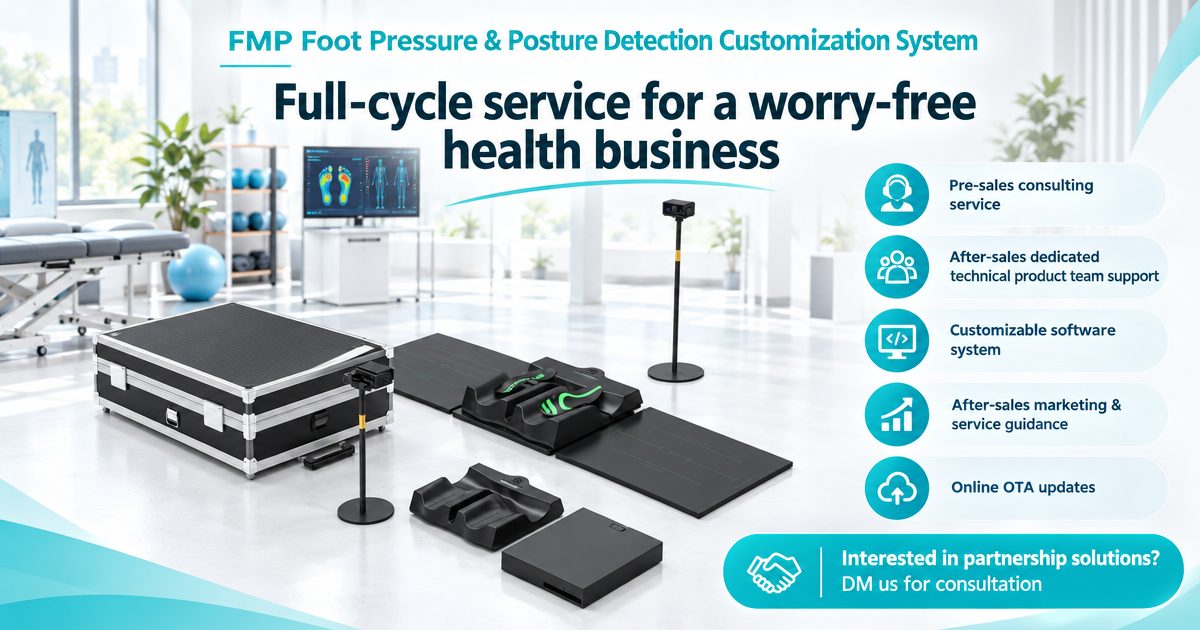
We build pressure and posture assessment systems in our own plant in Ruichang, and we describe them in the same terms we would use internally: pressure sensing, camera capture, analysis software. Nothing in that list is a shape scanner. What follows explains what a mapping record contains, how to read it without over-reading it, and where a shape capture would be a different purchase.
What a mapping record actually contains
A static mapping capture returns a distribution: a field of values across the sensing surface, captured while the person stands still. From that field a reader can see where load concentrates, whether the two feet carry similar shares, and how the contact area is shaped. It is a snapshot, and like any snapshot it describes one moment under one set of conditions — which is why the conditions have to be recorded alongside it.
A dynamic capture returns a sequence. As the person walks across the surface, the distribution is sampled through the step, and the record becomes a description of how load travels: where it arrives, where it lingers, where it leaves. That sequence is where the clinically interesting information sits, because walking is what the foot actually does, and a standing snapshot cannot describe a movement.
Both records are quantitative and both are visualised with colour. The colour is a convenience, not the data; the underlying values are what a comparison uses. Systems that allow the reader to inspect the values, change the scale and export the numbers are more useful than systems that present a fixed palette with no route to the figures behind it.
What the record does not contain is shape. There is no surface model, no arch height in millimetres, no three-dimensional shell. If a buyer’s workflow needs a shape, that is a separate capture, and our own equipment addresses it by combining a pressure and posture record with an outline and a written specification rather than by producing a model.
How to read a distribution without over-reading it
The first rule of reading a pressure map is to resist the peak. A single hot region looks like a finding, and it may be caused by the shoe, the surface, the stance, or a discomfort the person is protecting. Readers with experience look at the pattern and the sequence, then ask the person what they feel, and only then decide whether the peak is meaningful in this case.
The second rule is to compare like with like. Two captures taken with different footwear, different surfaces or different operators are two different tests, and subtracting them produces a number that looks scientific and means nothing. Clinics that keep a written protocol — same stance, same socks, same settling time — get comparable records; clinics that do not get a folder of images.
The third rule is to treat asymmetry as information rather than as a fault. Most people load unevenly, and a difference between left and right is normal until it is not. Recording the difference and watching it over time is more useful than declaring a threshold on the first visit, and it turns a single appointment into a series, which is where the equipment earns its place.
The fourth rule concerns what the software does with a poor capture. A foot partly off the surface, a person who moved, a stance that is visibly rotated — each of these should be visible to the operator before the record is saved. Where a system accepts a bad capture silently, the resulting report is confident and wrong, which is the worst combination in a clinical file.
Pressure, posture and the second capture layer
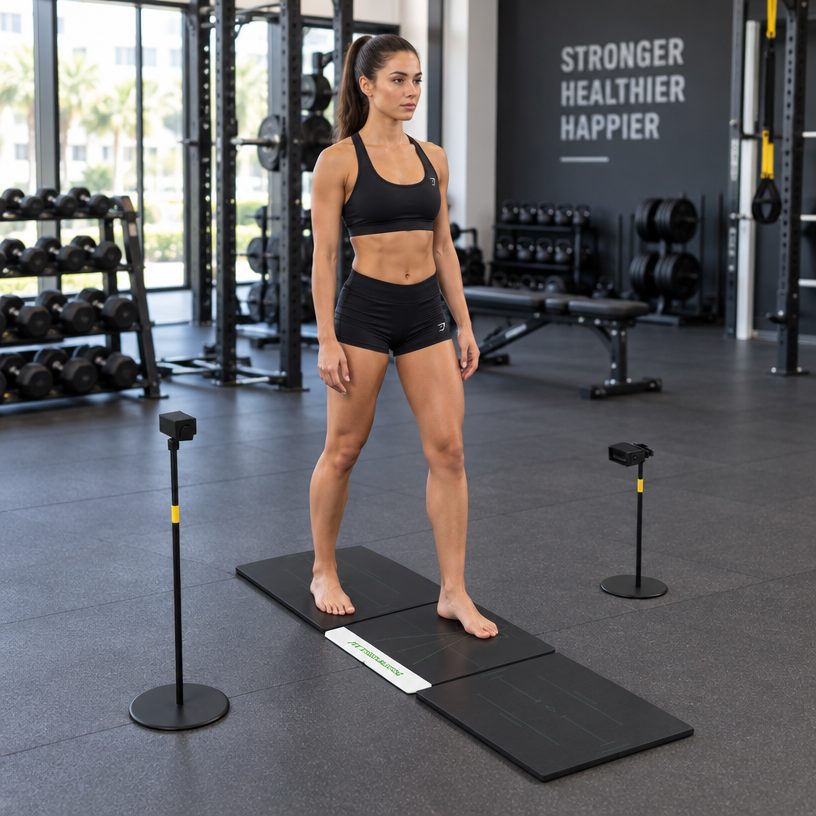
Pressure describes load. It says nothing about alignment, and alignment is what many clinics want to show alongside it. That is why our systems pair pressure capture with a camera layer that records posture while the person stands: where the knee sits relative to the foot, whether the pelvis is level, how the shoulders sit over the base.
The camera layer is an image record, not a measurement of structure, and the distinction belongs in the report. An image can show that a stance looks asymmetrical; it cannot establish why. Systems that overlay arrows and colour codes onto a posture photograph are presenting an interpretation as if it were a measurement, and a professional reading it has to unpick that framing before using the record.
Where both layers exist, the useful output is a single screen that shows the load picture and the posture image together, captured in the same session, with the same conditions noted. That pairing is what makes a report readable in ninety seconds, and it is the part buyers should ask to see in a demonstration rather than a menu walk-through.
Our own units work this way: pressure sensing plus camera capture plus software that assembles the session. Nothing in the hardware produces a three-dimensional model, and buyers who need one should be told that plainly at the specification stage rather than after delivery.
Static and dynamic: choosing by protocol
Static capture suits fitting decisions, footwear questions and quick documentation. It is fast, it needs little space, and it produces a record that is easy to explain to a customer. Most retail and many clinical settings can run an entire service on static capture plus a posture image, and adding dynamic capture would produce data nobody reads.
Dynamic capture suits questions about movement: how a person walks, where load spends time during a step, whether a change is visible across a training block. It needs a walkway or a platform and a protocol that can be repeated, and it produces records that reward comparison rather than single readings. Clinics that document change over time are the natural buyers.
The mistake is buying dynamic capture because it sounds more advanced, then running it without a protocol. A dynamic record taken once, casually, with no baseline, tells a reader less than a careful static record taken twice under the same conditions. Capability without routine is a feature on a quotation, not a function in a clinic.
Buyers can protect against that by writing the protocol before the order. Which tests, on which surface, with what footwear, operated by whom, saved where, and reviewed when. A supplier who cannot speak to that list is selling hardware; one who can is selling a workflow, and the second is worth more at the same price.
The software side: storage, comparison, export
Software decides whether a mapping record becomes an asset or a file. Three functions matter more than any other. Can two sessions be placed side by side without exporting both and assembling them by hand? Can a record be found a year later without knowing the exact date? Can the record leave the system in a format a colleague or a referring clinician can open?
Storage practice is the quiet failure point. A clinic that saves sessions under a patient name with no date convention will, within two years, hold a set of records nobody can order. A convention as simple as date-first filenames and one folder per year solves it, and it costs nothing but a decision made once.
Export matters more than buyers expect, because it is the escape hatch. Clinics that refer patients onward need to send a record without sending a login. Clinics that change systems need to take their history with them. Asking for the export format before purchase takes one sentence and prevents an argument two years later, when the equipment is embedded in daily routine.
Our units support over-the-air updates where they are connected, and updates are delivered through the support channel where they are not. That matters for software specifically, because a report format is a living document and a clinic that cannot receive a change is a clinic running a frozen product.
One storage habit is worth borrowing from buyers who run several clinics: name the session file with the date first, then the site, then the initials. It is unglamorous, it takes four extra seconds, and it means a record can be found by anyone who knows when the appointment was rather than who attended. The alternative is a folder of first names and a search through a diary.
Where a shape capture would be a different purchase
If a buyer’s real need is a shape — for insole moulding, for footwear lasts, for a surface model of the foot — then a pressure mapping system is the wrong tool, and no amount of software will turn one into the other. Shape capture is a distinct category with its own vocabulary, and buyers who search using the word 3d should confirm which quantity a supplier actually records before comparing prices.
The confusion is understandable, because the market uses the term loosely across listings. It is common to see the same phrase used for pressure platforms, camera-based posture systems and surface scanners, sometimes in the same catalogue. The only reliable way to sort them is to ask what the output file contains, and to ask to see one produced from a real capture.
Where a clinic needs both, the practical arrangement is two captures rather than one compromise: a pressure and posture record for the assessment, and a separate outline or impression for the device. We build insoles from exactly that combination, and the specification carries the decisions that neither capture makes on its own.
Buyers who only need the assessment should not pay for shape capture they will not use, and buyers who only need a shape should not pay for a pressure system they will not read. The category is wide enough to hold both, and the sorting question is one sentence long: what does the output contain?
A short buying sequence
Start with the decision the record has to support. Fitting insoles to a specification, documenting change over a season, or showing a customer where load sits — each points to a different minimum configuration. Write that decision down before opening a catalogue, and the shortlist will be three products rather than thirty.
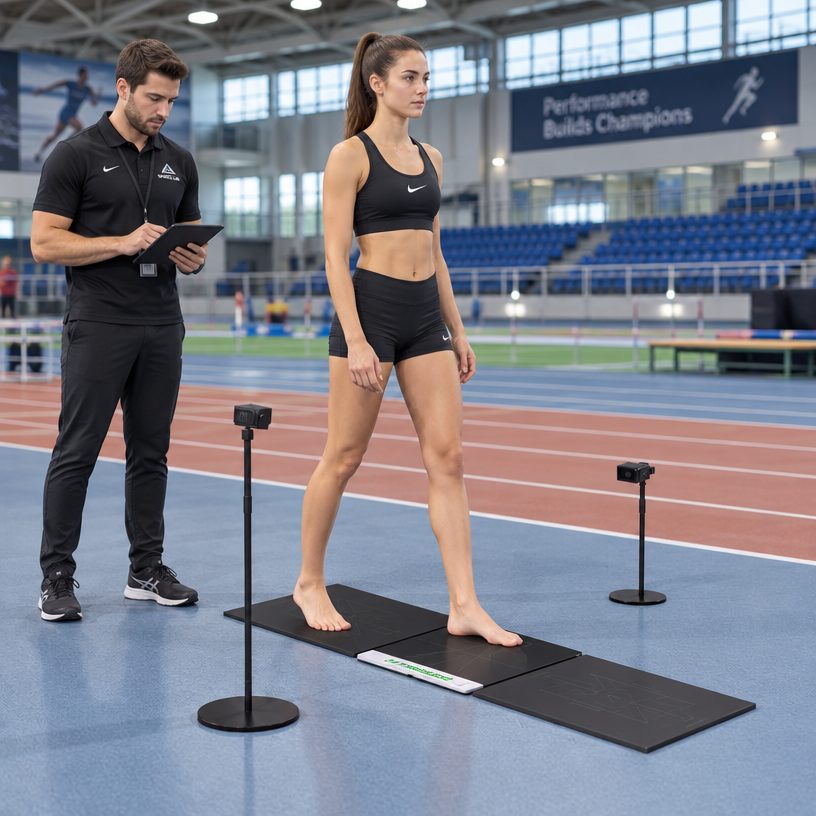
Then define the protocol, because the protocol decides whether the equipment will be used. A static standing capture with a posture image fits almost any room; a walking protocol needs length, a marked path and a routine. Buying beyond the protocol is the most common way clinics end up with unused capability.
Then ask for the report, from a real capture, and read it as the colleague who receives it. If the record cannot be understood in ninety seconds by someone who was not in the room, it will not be read, and an unread record is not an assessment. That test costs nothing and settles more arguments than a specification comparison.
Finally, price the second year. Warranty terms, support channel, spare parts and updates decide what ownership feels like, and they are all confirmable in writing before an order. Our own position — twelve months against non-human damage with free parts, a dedicated WhatsApp group with engineer access, remote assistance and over-the-air updates where connected — is stated in every quotation so it can be compared line by line.
Frequently asked questions
Does a 3D foot mapping system record the shape of the foot?
Not necessarily. The phrase is used across the market for different capture methods. What our systems record is pressure distribution and, with the camera layer, posture and alignment images. Buyers who need a surface model should confirm the output file contains one before comparing prices.
What is the difference between static and dynamic capture?
A static capture records the load distribution while a person stands still; a dynamic capture records the sequence through a step. Static suits fitting and footwear questions, dynamic suits questions about movement and change over time. Many clinics use both, and some need only the first.
Can two mapping sessions be compared?
Only when they were captured under the same protocol — same stance, surface, footwear and operator. Comparison is also a software function, so ask to see two records placed side by side before purchase.
How long is the warranty?
Twelve months against non-human damage, with free replacement parts. Units are tested for seven days before dispatch. Consumables and damage from misuse fall outside the warranty, and the terms are stated in the quotation.
Is a mapping system suitable for a small clinic?
Yes, if the protocol fits the room. A static capture with a posture image needs little space and produces a record most fittings can use. Buying dynamic capability without the space or the routine to use it is the more common mistake.
Can the software be updated after installation?
Connected units receive over-the-air updates. Where a unit is not connected, updates are handled through the support channel. Buyers should confirm the arrangement for their site in writing before ordering.
What support is included?
Installation includes operator training, and support runs through a dedicated WhatsApp group with our engineers, alongside remote assistance and updates. That channel remains the first point of contact after installation.
What we would do next
If you are unsure whether your workflow needs pressure mapping, posture capture or a shape record, send us the decision you are trying to support through our contact page. We will answer with the capture type that fits and the one that does not.
Our F2 and FMP systems are the units most buyers start with, and the FAQ page covers warranty, support and transit in full.
This article is intended for professional and educational reference. It is not medical advice. Foot assessment equipment produces measurements and images; clinical interpretation and any decision about care remain the responsibility of a qualified professional. Certification scope is limited to the documentation we hold: European Union certification and ISO quality system certification.