
Advertisement. This is a promotional product article.
What a Shoe Store Needs for On-Site Insole Customization: From Data Collection to Delivery
Why on-site insole customization has entered the shoe-store conversation
Fitting a pair of shoes no longer has to stop at length and width. The FOOTWORKlab product manual describes a category of systems a store can install to detect a customer’s foot data and produce customized insoles on site, alongside orthotic products and screening devices. Supplier materials about retail deployments describe configuration recommendations for shoe-store scenarios, technical documentation, SDK access, and remote training support.
This article walks through what that configuration looks like, step by step, from the first scan to the finished insole, based on the FOOTWORKlab product manual and related supplier materials. It is written for readers who have heard about in-store foot scanning — as a shopper curious about what happens behind the counter, or as someone weighing whether such a setup belongs in a store. Where the materials do not answer a question, the article says so directly rather than filling the gap with assumptions.
What actually happens between the first scan and the finished insole
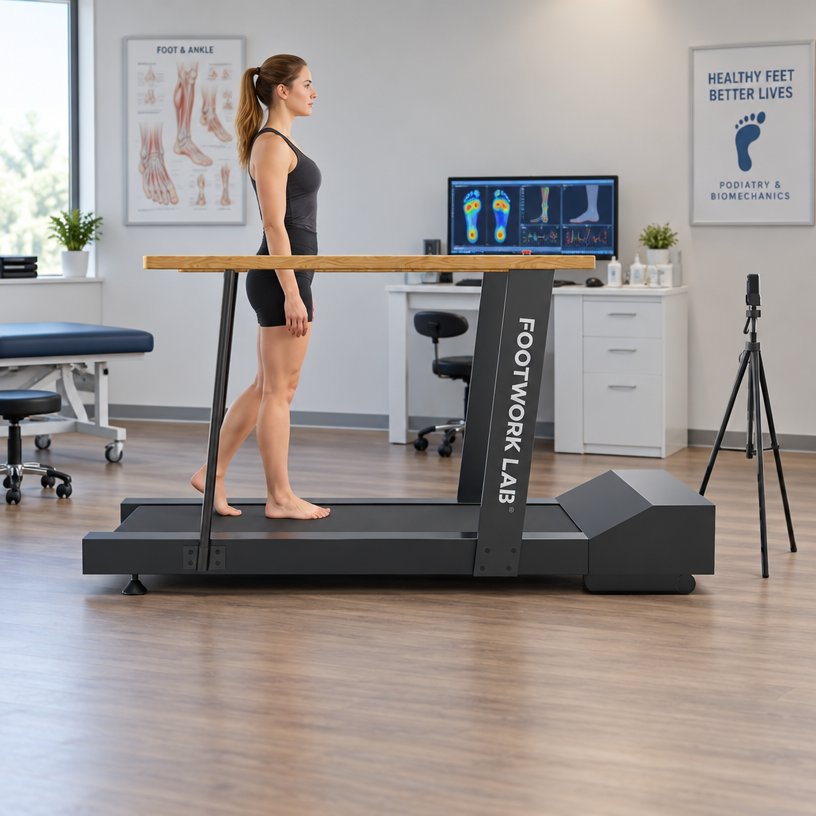
The manual lays out a four-stage sequence.
Stage 1 is data collection. The customer steps onto a detection device. The X1 portable foot and lower limb detection system uses a temperature-sensing footprint board together with dedicated analysis software to gather footprint data, and the same session can capture lower limb alignment images. The X3 foot pressure and alignment detection and insole customization system works from plantar images plus lower limb alignment images. Stores wanting pressure readings beyond a single stance can look at the F2 plantar pressure detection system or the extended F2-Pro, and the F5-LAB dynamic gait detection system measures and analyzes pressure distribution and posture while a person walks or runs, automatically identifying gait phases. The FMP-Y combines body alignment detection with static, dynamic, and balance plantar detection, and the manual describes it as a mobile smart-scenario solution.
Stage 2 is analysis. Per the manual, the systems build a foot and ankle health database from footprint, plantar, and alignment images, and a large model analyzes the user data. The X1’s detection area is used for arch type determination, and its listed core functions cover arch detection, lower limb biomechanical alignment detection, and AI analysis with smart recommendation. The X5 goes further, adding full-body posture detection through AI vision detection instruments and a dedicated analysis system.
Stage 3 is recommendation. For shoe selection, the manual states that the X1 and X3 recommend shoe models based on the shoe product information the store enters into the system. This is a configuration point: without the store’s catalog being entered, the recommendation function has nothing to draw on.
Stage 4 is customization and delivery. The X3 is described as coming with supporting equipment that customizes insoles on site, while the X5, FMP-Y, and F5-Y are described for on-site orthotic customization based on individual data. Supplier materials describe the chain as scanning, 3D printing, and consumables handled as one-stop delivery, with local offline operation supported. Afterward, software arrives as online OTA updates, and the vendor lists pre-sales consulting, a dedicated after-sales technical product team, and after-sales marketing and service guidance.
The materials describe what the systems do; they do not state how long a session takes or how many staff a store needs — those details are not covered here.
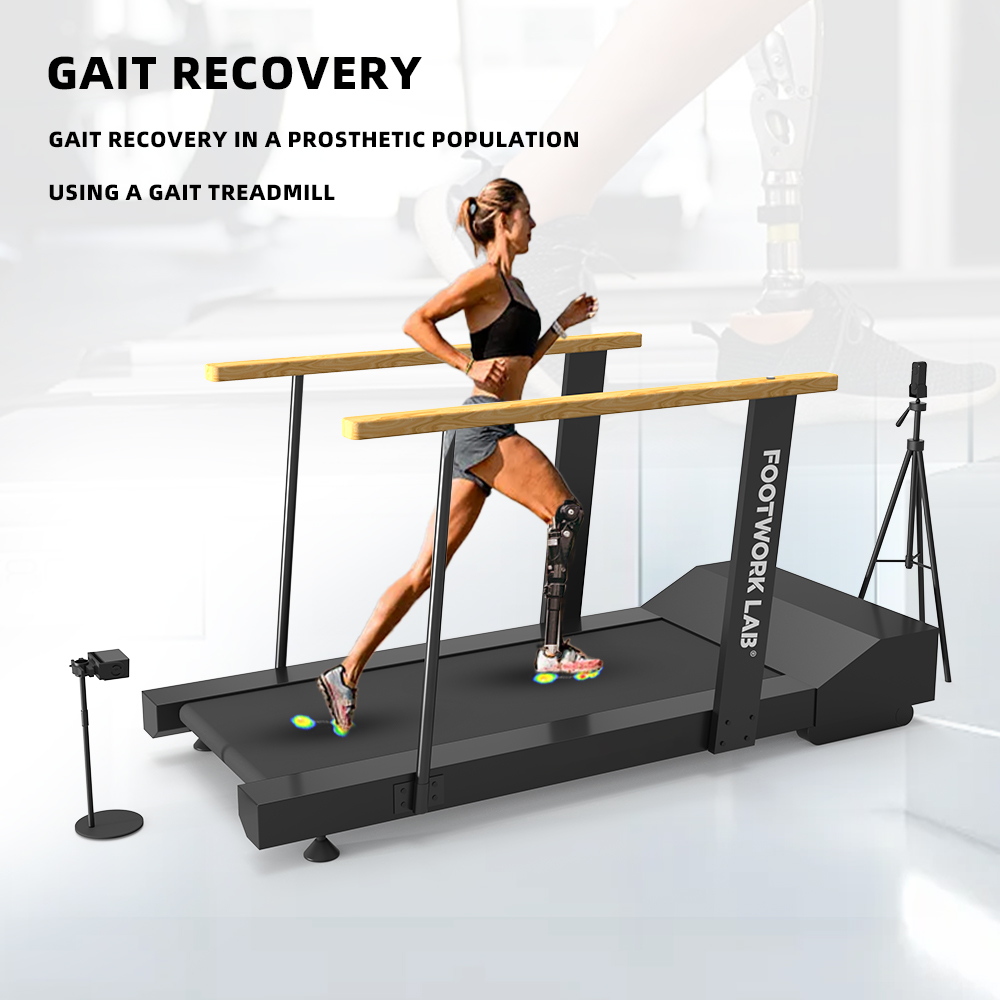
How the specs and the AI layer actually work
Start with the numbers the manual publishes. The X1 measures 460×540×50 mm and weighs 1.5 kg, with the operating system listed as Web and the body made of high-strength PVC; the detection area is used for arch type determination. The manual’s positioning list for the X1 includes rapid screening detection, a smart sensing system, a dynamic training engine, and an ecosystem interconnection solution — language that places it on the screening side rather than the production side of the lineup.
The AI layer follows one pattern across the systems: data in, database built, large model analysis out. The inputs differ — footprint data for the X1, plantar images and alignment images for the X3 — and so do the outputs. The X1 outputs shoe recommendations and screening results such as flatfoot risk screening. The X3 outputs shoe recommendations plus on-site insole customization through its supporting equipment. The X5 and FMP-Y output orthotic customization based on individual data.
On materials, the vendor’s solution description cites biomechanical algorithms combined with medical-grade materials, and states the products are intended to fit children, athletes, and the general public.
The matrix as listed in the manual runs to eight systems: Q1P (ankle quick-screening detection customization system), X1 (portable foot and lower limb detection system), X3 (foot pressure and alignment detection and insole customization system), X5 (ankle and alignment detection customization system), F2 and F2-Pro (plantar pressure detection systems, the latter an extended version), FMP (foot pressure and posture detection customization system), and F5-LAB (dynamic gait detection system). The systems chapter writes some of these with a -Y suffix, such as X3-Y and FMP-Y, with descriptions matching the matrix entries.
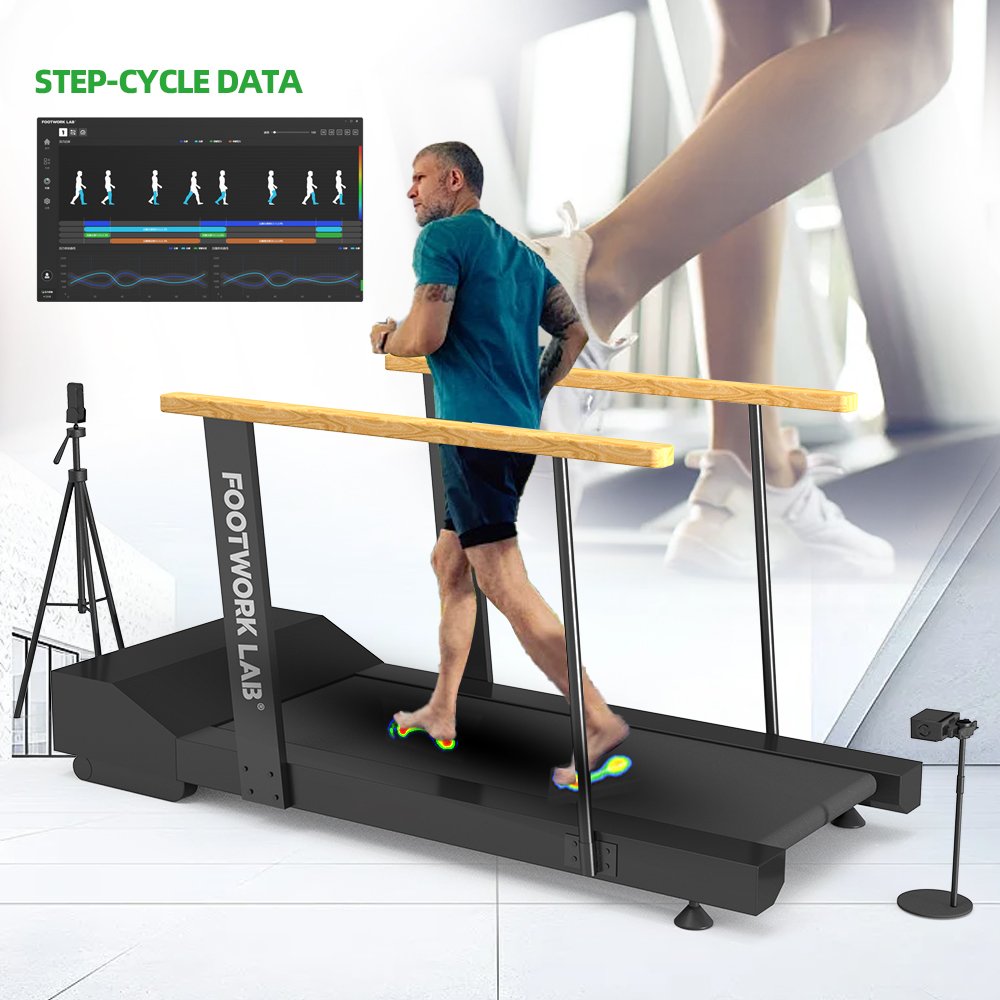
One term worth unpacking: the manual says the F5-LAB provides clinical gait parameters, its wording for the measurements produced when the system automatically identifies gait phases during walking and running, and notes the system is widely used in medical rehabilitation settings — context for where such measurements are normally interpreted. Separately, the X1’s service list includes software customization charged as a separate project, plus online OTA updates.
How to tell whether this setup fits your store
Start from the goal. If the aim is screening and shoe recommendation — reading arch types and pointing a customer toward models in the store’s catalog — the manual positions the X1 for that, a unit listed at 1.5 kg with a Web operating system. If the aim is producing insoles inside the store, the manual ties that to the X3 with its supporting equipment, or to the broader customization systems for orthotics. A screening device and a customization system are different tiers, and the materials do not describe screening equipment producing insoles.
Space is the next condition. For stores that cannot set aside a fixed corner, the manual describes the FMP-Y as a mobile smart-scenario solution.
Where the setup does not fit, or calls for caution:
- A shopper with a diagnosed foot condition. The manual’s orthotic section pairs products named for foot-pain categories with corresponding hospital departments — rehabilitation or orthopedics — in its own listings. A retail floor is not that setting, and the materials reviewed here contain nothing that presents a shoe store as a place to manage a diagnosed condition.
- A store expecting unchanged software. The manual lists software customization as separately charged, so adjustments beyond the standard configuration become a paid project.
- A store without an entered shoe catalog. The AI shoe recommendation draws on shoe product information entered into the system; skipping that data-entry step leaves the recommendation function without input.
- Connectivity assumptions. Supplier materials state local offline operation is supported, yet OTA updates are listed as online, so a store relying on offline mode should confirm with the vendor how updates reach that deployment.
Where this information comes from, and what it does not cover
The factual base here is the FOOTWORKlab product manual — its product overview, the detection and customization systems chapter, the orthotics section, the product matrix, and the parameter sheets published for the X1 and X3 — plus supplier materials discussing retail-scenario configuration recommendations, technical documentation, SDK and remote training support, OEM and regional distribution schemes, and the scanning-to-3D-printing-to-consumables chain. The supplier materials also list the brand’s channel presence, naming platforms such as JD.COM, Amazon, Shopify, and Alibaba.com. Neither set of materials carries a version number or publication date, and no validity period is stated.
What the materials do not cover: prices for systems, software, or consumables; production time per insole; the specific 3D printing equipment model; store space, power, or staffing requirements; warranty terms;